Seven Tips to Protect Yourself Online with Better Passwords

Seven Tips to Protect Yourself Online with Better Passwords

Passwords are difficult to maintain, but they’re still one of the most important lines of defense protecting your personal and financial information. The key (pun intended) to preventing your accounts from being hacked, whether they’re your digital banking or social media accounts, is to use strong, unique passwords across all of your accounts. A recent People article reported that nearly 150 million email and social media accounts could be affected by ‘stolen passwords’. That includes platforms such as Gmail, Yahoo, Outlook, TikTok, Facebook, and many more.

The good news? Creating strong passwords doesn’t require advanced technical skills. With a few smart habits, you can dramatically reduce your risk of fraud, identity theft, and account takeovers. Below are seven proven best practices to help you create stronger passwords and remember them without frustration.


1. Use Long Passwords or Passphrases

Length matters more than complexity alone. A longer password is much harder to crack, even if it uses familiar words.
Best practice:
  • Aim for 12–16 characters or more.
  • Consider a passphrase made of several unrelated words.
    • Example: RiverSunsetCoffeeBike!
Passphrases are easier to remember and far more secure than short, complex-looking passwords.

2. Never Reuse Passwords Across Accounts

Reusing passwords is one of the biggest risks people take online. If one site is compromised, criminals often try the same credentials on other accounts, such as banking, email, and shopping.
Best practice:
  • Use a unique password for every important account, especially:
    • Online banking
    • Email
    • Payment apps
    • Retail and subscription services
Think of every password as a single-use key. One lock, one key.

3. Avoid Personal or Predictable Information

Cybercriminals don’t guess randomly—they use information from social media, public records, and data breaches.
Avoid using:
  • Names of family members or pets
  • Birthdays or anniversaries
  • Phone numbers or addresses
  • Common substitutions like P@ssw0rd
If someone could guess it or find it online, it doesn’t belong in your password.

4. Mix in Capital Letters and Symbols to Make Passwords Stronger

Once you have a long, unique password or passphrase, adding a mix of capital letters, numbers, and symbols makes it even harder for criminals to crack.
Best practice:
  • Capitalize letters in uncommon places (not just the first letter)
  • Add symbols like ! @ # $ % where they feel natural
  • Replace spaces in passphrases using symbols.
    • Example: River!Sunset#Coffee$Bike
Avoid predictable patterns like capitalizing only the first letter or adding “!” at the end every time. Small variations go a long way in strengthening your password.

5. Use a Password Manager (and Let It Do the Heavy Lifting)

Remembering dozens of strong, distinctive passwords is tough unless you use a password manager.
Best practice:
  • Use a reputable password manager to:
    • Generate strong passwords automatically.
    • Store them securely
    • Autofill logins safely
With a password manager, you only need to remember one strong master password, and the rest is handled for you.

6. Add Multi-Factor Authentication (MFA) Wherever Possible

Even the strongest password is safer with a second layer of protection.
Best practice:
  • Enable multi-factor authentication (MFA) on important accounts.
  • This may include:
    • A one-time code sent to your phone
    • A biometric login (fingerprint or face ID)
    • An authenticator app
MFA helps protect your account even if a password is compromised.

7. Change Passwords When There’s a Reason — Not Just a Notice

You don’t need to change passwords constantly, but you should act quickly if there’s a warning sign.
Change your password if:
  • A company reports a data breach.
  • You receive an alert that your credentials were exposed.
  • You notice suspicious account activity.
Quick action can prevent small concerns from becoming costly problems.

Final Thought: Strong Passwords Are All About Peace of Mind

Strong passwords aren’t about being perfect; they’re about being prepared. By using unique, long passwords and smart tools, you significantly reduce the chances of fraudsters gaining access to your accounts.
A few small changes today can help protect your money, your identity, and your peace of mind tomorrow.
Looking for more resources for preventing fraud and avoiding scams, check out our Fraud Prevention page.

Password Security Check: Alerts You if Your Password is Found on the Dark Web

Password Security Check

We’re excited to introduce Password Security Check, a new free service from The Callaway Bank that helps protect your Digital Banking.  It works by comparing your password against those exposed in known data breaches or on the dark web.  If the system finds a match, you’ll get an alert when you log into Digital Banking, encouraging you to change your password.

Why Is This Important?

Recent research shows that 94% of leaked passwords are either reused or weak, meaning the vast majority of online accounts are protected by shaky measures. That’s because only about 6% of exposed passwords were unique, leaving the rest dangerously predictable and reusable across multiple sites.1  Additionally, passwords that have been collected through countless breaches over the years are available on the dark web for hackers to access.  Why try to guess passwords when they can start with the most common ones?

How Does Password Security Check Work?

This new service, provided by The Callaway Bank, is free and will automatically run in the background for all of our Digital Banking clients.  The system compares your password against a constantly updated database of exposed passwords.  It’s important to understand that finding a match does NOT mean your account has been hacked. It does mean that your password matches those of other people whose passwords were compromised.  Hackers could, however, try to use it to access your accounts. This Password Check helps spot that risk before it becomes a problem.

What’s the Benefit To Me?

Our Password Security Check adds an extra layer of protection to your online banking—helping keep your account safe from fraud and unauthorized access.

Who at the Bank Can Access my Password?

Nobody within the Bank can see or access your password. Our banking system does not allow anyone to view your password.  But because the system knows your password, it can compare it to the database of other compromised passwords.

When Will Password Security Check Be Active?

February 24th will be when it goes live.

Want to Know More about Creating and Using Stronger Passwords?

When you manage your money and accounts online, the strength of your passwords matters more than ever. We’ve put together seven tips on how to make your passwords stronger and easier to manage.


Source:
1https://cybernews.com/security/password-leak-study-unveils-2025-trends-reused-and-lazy/

How Much is Your Information Worth?

How Much is Your Information Worth and How To Protect Yourself from Account Take Over

Fraud prevention button, concept about cybersecurity, credit card and identity protection against cyberattack and online thieves

Were you aware that your email account is worth real dollars on the hacker market? This might explain why we continue to see more and more people with their Gmail, and other accounts being hijacked. According to Privacy Affairs and their 2022 Dark Web Price Index, a person’s information is seen as a valuable resource to cybercrooks because they can do so much with it.  While you might be thinking, “Why would anyone want access to my email account? It’s not my checking account.” You would be surprised what a resource the average person’s email account is.

The biggest reason your ordinary, everyday email account is valuable is that it is often the key to all of your other online accounts. When signing up for anything such as Amazon, credit cards, or online banking, you provide your email as a contact point. If someone then tries to take over that other account, they simply request a new password to be emailed, and BAM, now they have that account too. That gets really scary when it’s your bank account or credit card, but even with access to your Amazon account, they could easily order a couple of 52″ flat-panel TVs and then sell them for cash.

Another way we see crooks using hijacked accounts is that they monitor who you do business with, and then send people a request posing as you.
Example: “Hi Bill, would you please wire $3500 to a friend of mine in California? His name is xxxxx, and the account number is xxxxxx ….” Fortunately for our customers, we will not send a wire-based from an email request, but that doesn’t mean it couldn’t happen at another well-meaning business. The important thing is not to give someone the opportunity to hack into your account

Fraudsters gain access, change passwords to lock you out, and hold accounts hostage until you pay their fee. This type of fraud happens to both individuals and businesses.

Here are some suggestions to help prevent an account takeover:

  • Use only one password for one account.  Don’t ever use the same password for multiple accounts, especially your email account.  
  • Use a password with at least 8 digits and with a mix of numbers and special characters.
    A professional hacker can crack a 6 digit, lowercase-only password in 10 minutes. Make it 8 digits, but still only lowercase letters, and it extends the time by a few minutes.  Instead, just adding a mix of uppercase, numbers, and symbols makes it much harder and longer to crack!  And don’t think that abcd1234 will throw them off.  That is one of the most common passwords used and common names found in the dictionary are all tested first.
  • Avoid Public Internet or Wifi
    Hackers can easily break into public internet access points such as free public wifi offered in a cafe or hotel.  They will often spoof a free wifi spot with a similar name to the real establishment. When you log into a compromised wifi network hackers can steal information from your phone or from the data you’re sending and receiving from a website. Don’t ever log into your bank accounts through public wifi.  If you have to use a public wifi use a VPN to encrypt your connection.
  • Be mindful of “shoulder surfers.”
    Be aware of your surroundings and mindful if someone is nearby who could look over your shoulder when you key in your password.  That cute guy at the coffee shop may be smiling at you because he knows how to access your account.
  • Be wary of emails from strangers, especially if it comes bearing gifts.
    Your mama’s advice about not talking to strangers applies here as well.  If you get an email from someone you don’t know, do not click on any of the links, and certainly don’t open any attachments.  They almost always will load some kind of malware or virus that can give a crook access to your computer or send them all of your keystrokes.  Emails now often come with a promise of a gift card to your favorite store if you take a survey or visit their website.  You’re better off just deleting those.
  • If you suspect your account has been hacked, stop using your computer.
    If your account has been hacked, your computer may be hacked as well.  If a cyber-crook has access to your computer, changing your Gmail account password won’t help.  They’ll know the new password also.  Hire a computer pro to check your machine for viruses and malware, and remove them.  Having antivirus software that is up to date can help prevent this.  However, if you clicked on a nefarious link it will then bypass your security software. In the meantime find a computer or device that you don’t normally use (preferably not a public computer). You can access your account with it to change your password.

We hope this will help you realize that your computer security is not something to take lightly.  While we can’t help you with fixing your computer, we can help you if you feel your checking or savings accounts may be in jeopardy.  Please contact your Personal Banker or our Customer Care Team if you have concerns that someone may have access to your bank accounts or online banking.  We can walk you through the process and help you determine if your bank accounts are at risk. 

Fraud Prevention Center

How To Fight Cardholder Fraud

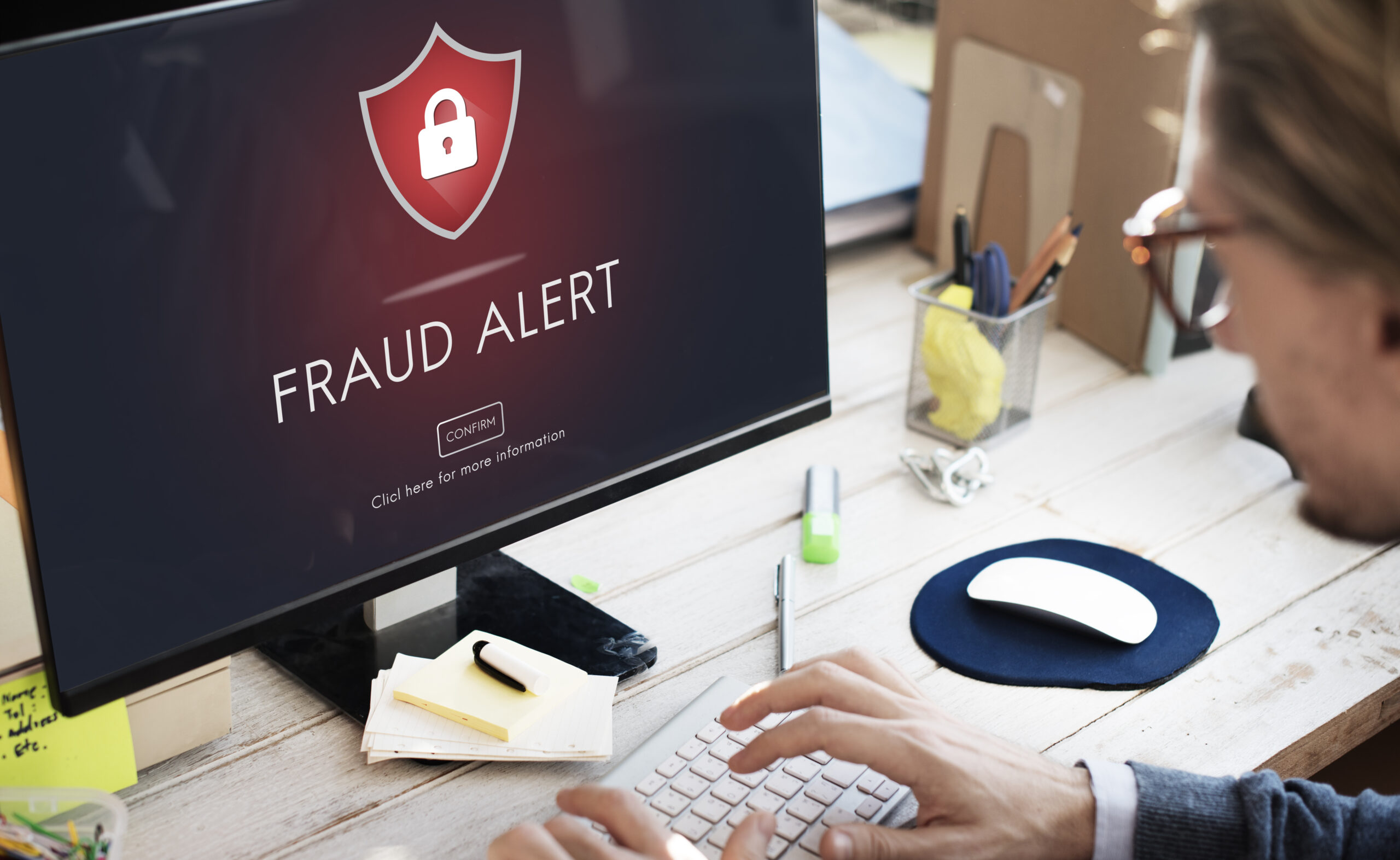
fraud alert on computer

Have you ever wondered how your stolen information is used to commit fraud, and what you can do to help prevent it? We have some tips to help you keep your information safe.

Fraudsters have become increasingly adept at getting the information they need to commit fraud by posing as financial institution call center agents, or by sending text messages that look like they are coming from your trusted financial institution, warning of suspicious transaction activities. They are also known to call in to call centers posing as customers requesting changes to their card information and parameters. Fraudsters use information stolen through data breaches (at health insurance providers, reward program providers, credit bureaus, merchant terminals, and social media sites, to mention just a few recent ones) as well as through malware programs deployed on personal computers and other sources. Stolen personally identifiable information (PII) is combined with stolen card information, resulting in sufficient information to create profiles that fraudsters can use to position themselves as the actual cardholders.

Help protect your personal information from fraud by remembering:

A text alert from The Callaway Bank warning of suspicious activity on your card will not include a link to be clicked. You should never click on a link in a text message supposedly from The Callaway Bank. A valid notification from The Callaway Bank will provide information about the suspect transaction and ask you to reply to the text message with answers such as ‘yes’, ‘no’, ‘help’, or ‘stop,’ and will never include a link.

A text alert from The Callaway Bank will NOT be from a 10-digit number resembling a phone number. 

A phone call from The Callaway Bank’s automated dialer will only include a request for a cardholder’s zip code and no other personal information unless they confirm that a transaction is fraudulent. Only then will they be transferred to the Customer Care Team, who will ask questions to confirm their identity before proceeding with the transaction.

If at any point you are uncertain about questions being asked or the call itself, hang up and call The Callaway Bank directly at 800-446-2265 (BANK). Receive a call claiming to be The Callaway Bank call center and asking to verify transactions. You shouldn’t have to provide any information other than your zip code and a ‘yes’ or ‘no’ to the transaction provided.

The Callaway Bank will NEVER ask for the debit card PIN or the 3-digit security code on the back of your card.

Fraudsters posing as call center agents will often ask you to verify fake transactions. When you say no, you did not perform those transactions. The fraudster then says that your card will be blocked, a new card will be issued, and that they need the card’s PIN to put on the new card. Many people believe this and provide their PIN. A real call center agent will tell you to wait until you receive your new card to activate it and set a new PIN.

Regularly check your account(s) online for suspicious transactions, but especially if you are unsure about a call or text message you’ve received. If anything looks amiss, call The Callaway Bank directly for assistance.

If you receive a voice or a text message from The Callaway Bank’s fraud call center and are unsure about responding to it, call The Callaway Bank’s Customer Care Team 800-446-2265 directly for assistance.

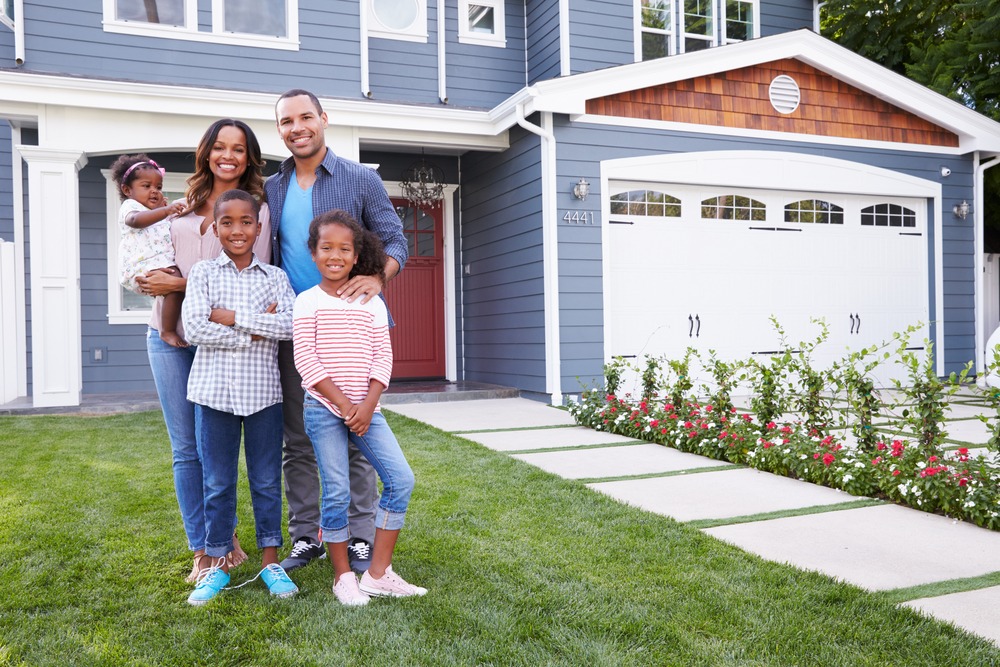
Buying Your First Home: What to Expect

Buying your first home can feel like a daunting task. However, if you know what to look for and what to avoid, you can bring a level of confidence to a process that seems overwhelming.

  • Determine how much you can afford. The first thing you need to accomplish is determining a budget for your new home. Knowing your budget allows you to find a home you can “comfortably” afford. Work with a lender to get pre-qualified for a mortgage loan so you can start searching for the right home for you.
  • Shop for the right type of loan. When you meet with one of our lenders, you’ll be asked questions regarding your expectations and desires for a new home. You’ll need to provide financial information, such as current debt, income, and monthly expenses, among other things. Particular loans are better for first-time homebuyers because they don’t require a large down payment, which means less cash out of your pocket. They also have low interest rates that translate into affordable monthly payments. Be sure to ask about FHA loans, or if you or your spouse is a member of the armed forces, take advantage of the VA loan, which has a zero percent down payment in most instances¹.
  • Make a “must have” list. Develop a list of your priorities for a new home. Consider variables, such as home condition and amenities, location, schools in the area, traffic, shopping and the neighborhood. For example, you have two people in your household who commute to work and children to take to school each morning. In this case, location would likely be a priority. Or, maybe you don’t have any additional budget for remodeling and wouldn’t consider yourself the, “do it yourself” type… home condition and amenities would be high on your list.
  • Find a Realtor®. Once your “must haves” are in place, your best bet is to find a trusted realtor. Ask your friends or family for references, or ask one of our lenders and we’ll set you up with a trusted agent. A real estate agent will help you navigate the many market listings based on your “wish list.” He or she can also get you into homes quickly and start the buying process effectively and efficiently.
  • Make an offer. This is where having a real estate agent really matters! He or she will help you make the best offer possible on your home. You may go back and forth with the seller a few times, so be prepared to negotiate.
  • Closing the deal. Once a price is agreed upon, you can begin the closing process. You will finalize your loan with your lender, and loan, tax and title documents are prepared for a final meeting that will be set up to sign all of the paperwork for your new home. You’ll often have to go to a title office for a “closing”.

Before starting your home buying adventure, start with our fast quote free online form. We’d love to be able to help get you into the right home at the right price, with the right loan

¹Subject to credit review and loan approval. Offer applies to any active or honorably discharged member of the United States Army, Navy, Air Force, Marines, Coast Guard and National Guard. Available on first lien on primary residence only for properties located in contiguous counties of or within Boone or Callaway counties in Missouri. Appraisal fee up to $1,000 will be waived. Offer made by The Callaway Bank and does not imply that any loan will be made by the VA or US Government. This offer is subject to end without advance notice.Family in front of house